01
Open sky
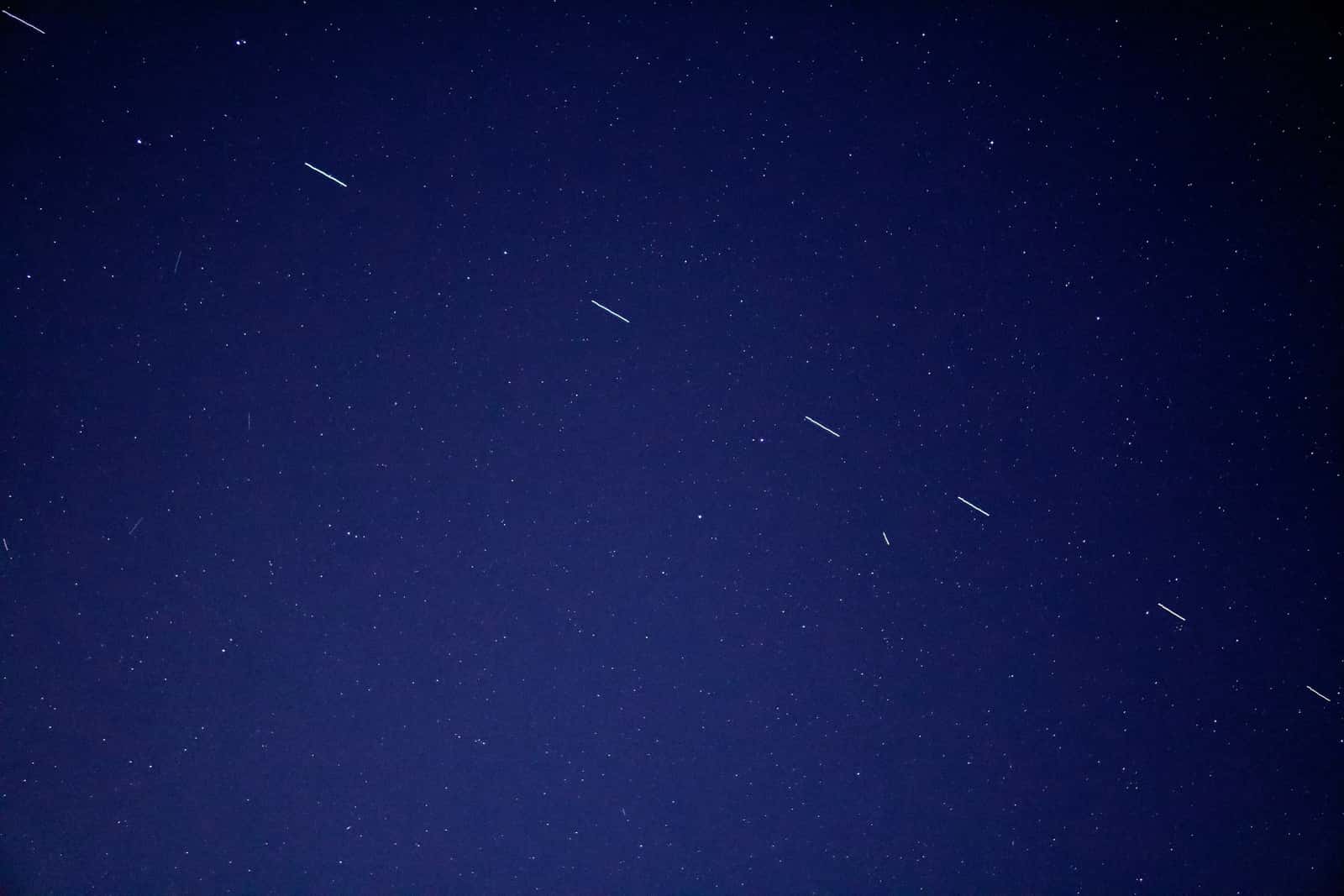
The dish wants the sky over it clear in a big circle. Trees, hills and buildings that rise into it cause dropouts.
Ordering your first Starlink? Through our referral link, Starlink puts $100 on the account once your service is two months old; this site is paid a matching reward.$100 account credit on a first US order, via our referral link. Pre-order checklist
Home site survey · US houses
Whether Starlink works at your house comes down to four things: open sky above your trees, a spot for the dish on the roof, a wall, a pole or the yard, a safe install, and permission from any HOA or landlord. Survey all four from your own yard, in plain steps, before you buy.
The four survey points
Four things, checked in this order. Starlink’s support pages, read Nov 3, 2026, say its home dishes do best with a wide view of open sky and can often get by with part of it. So a house passes when the dish has a spot that clears the trees and ridges, a mount you can fit safely, and permission from any HOA, landlord or condo board. Most US houses pass.
The dish wants the sky over it clear in a big circle. Trees, hills and buildings that rise into it cause dropouts.
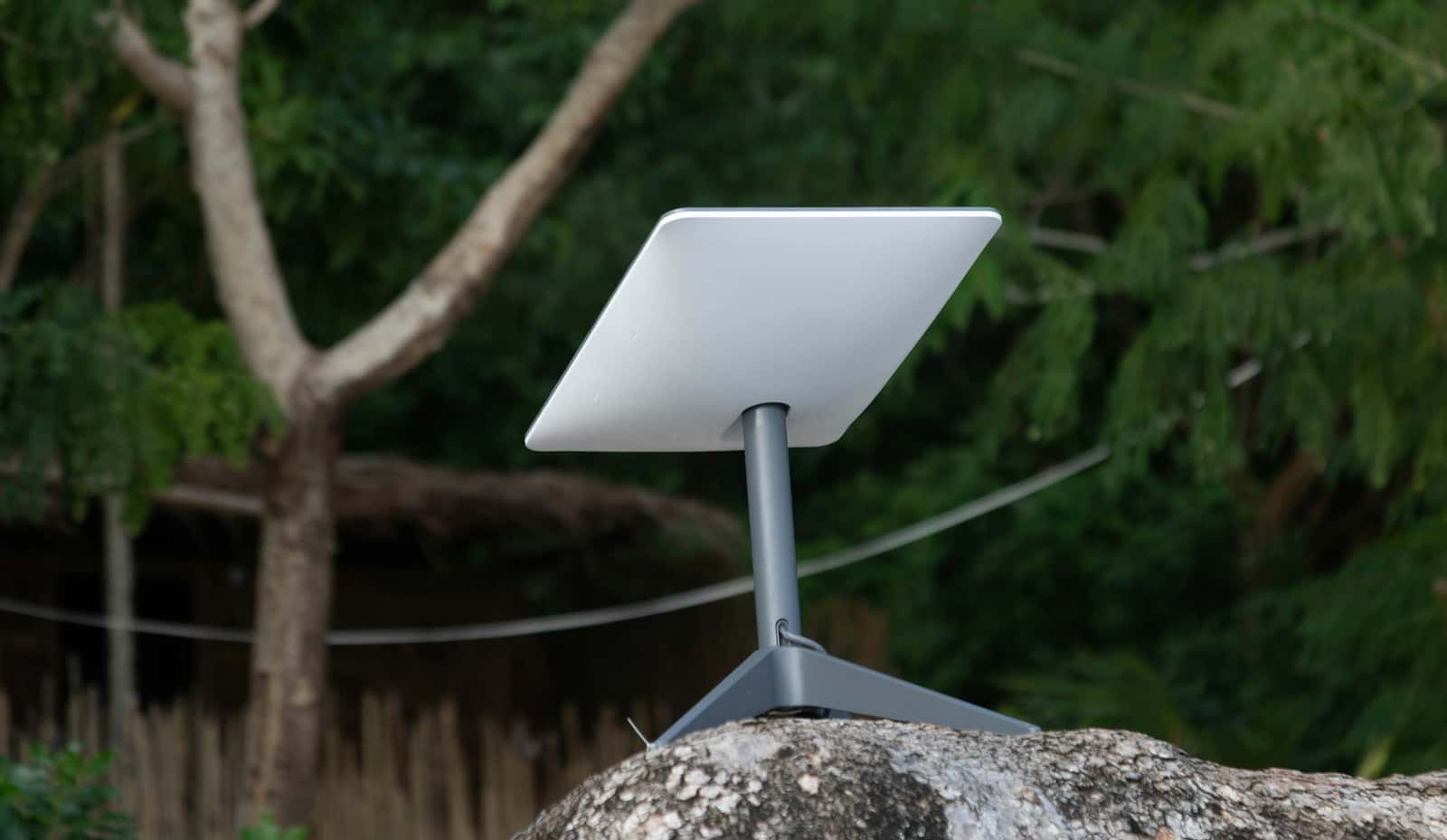
Roof peak, roof face, wall, pole or ground. Higher usually sees more sky. Each needs a different mount.
An afternoon for most DIYers: mount, run one cable inside, plug in the router. Or have it installed.
An FCC rule limits what HOAs and landlords can block on space you own or rent for yourself. Shared roofs are different.
For most US houses, yes, as long as the dish can see a wide, open patch of sky.
Starlink’s satellites move across the sky, so the dish needs a broad view of it, not a line to one point. The usual problem is trees, and the usual fix is going higher: a roof peak or a pole. Hills, canyon walls and tall buildings come next. Windows, attics and porches don’t work.
In five steps, standing where the dish would sit. Count fists of open sky above the treetops, take our two-minute fit check, then scan that exact spot in the Starlink app, which by Starlink’s own description (checked Nov 3, 2026) previews an install location before you own a dish. Finish by choosing a mount and getting any HOA or landlord answer in writing.
Stand where the dish would go. Hold out a fist at arm’s length: each fist is about 10° of sky. Count fists from the horizon to the tallest treetop. Under about 2 fists all the way around is what Starlink’s business install guides aim for; part of the sky is often enough at home.
Eight questions about your sky, spot, trees and home rules. You get a plain verdict and what to do next. Start the fit check.
The free Starlink app has a Check for Obstructions tool that maps your sky with your phone’s camera. You can use it before you buy. How to do it right.
The highest spot with the clearest view usually wins. Then choose a roof, wall, pole or ground mount. Compare mounts.
HOA, landlord or condo? Sort it out first, in writing. Then order on starlink.com, where you’ll see the price for your address. How ordering works.
Your house

What works, and when a pole beats a chainsaw.
Read the guideImage by Amanda Chapman (Unsplash License)
Ridges block whole sections of sky. Here’s how to read yours.
Read the guideImage by Leslie Cross (Unsplash License)
What they can and can’t require under the FCC rule.
Read the guideImage by Sophie N (Unsplash License)How the signal gets in
Because the satellites keep moving. There’s no phone line or cable company involved: the dish on your house talks to satellites crossing overhead and hands off from one to the next, so it needs a wide window of sky rather than one clear line. Starlink’s pages, read Nov 3, 2026, name a single branch, a pole or a roof as enough to interrupt that.
Starlink’s satellites orbit low and keep moving, so the dish hands off from one to the next all day.
It looks up through a 110° field of view. Trees or roofs that rise into that cone cause dropouts.
The kit’s cable (49.2 ft) connects the dish to the router indoors. Plan the route after you pick the spot.
Plug in the router and connect phones, laptops and the TV. Big or long houses may need a mesh node.
Mount height
A dish on the roof peak or a pole usually sees far more sky than one in the yard. One cable runs inside to the router, so pick the best sky first and plan the cable second.
Compare mount optionsSurvey passed
A house that passes all four checks is ready for starlink.com. Starlink says the price for a house shows after you enter its address at starlink.com and hit “Order Now”. If this is your first Starlink, ordering through a referral link adds a $100 account credit once your service is two months old.
Don’t order yet if…
The pre-order checklist · What’s in the box · Installation cost
Often, if the dish can sit where the treetops stay low in its view, usually by going higher: a roof peak or a pole. Trees that rise more than about 35° above the horizon from the dish cut into the sky it uses. Starlink with trees.
Yes. The Starlink app is free, and its Check for Obstructions tool works without a dish. Scan from the exact spot and height where you’d mount it. Step by step.
Today’s home dishes have no motor: you set the angle by hand while the Starlink app’s alignment tool tells you how. Starlink doesn’t name one compass direction for every home; follow the app for yours. Which way it faces.
Not for a home install. Roofs, walls and window glass block or weaken the signal. The dish needs to be outside with open sky. Why.
An FCC rule (OTARD) limits restrictions on dishes placed on property you own or rent for your exclusive use, like your roof, yard or private balcony. Shared areas such as an apartment roof are not covered. Which rule applies to you.
No. Many people mount it themselves in an afternoon. A pro makes sense for steep or high roofs, tall poles, or cables through brick. Professional installation.
Maybe, but only on the order page. Starlink’s national US order list carried no promotional service price when read without an address on Nov 4, 2026. Starlink says some areas give new customers a discounted monthly rate for a limited stretch (6 or 12 months, for example), visible at checkout on starlink.com, so type your service address on starlink.com to see what that house gets. A referral link is a separate thing: someone new to Starlink in the US who signs up through one gets a $100 account credit once your service is two months old. The pre-order checklist.
Will Starlink Work is an independent guide and doesn’t want your address. Your price, and whether service is open where you live, show up after you key the address into starlink.com.
Each number on this page traces back to one of these entries; our fact rules explain how. If a reading has drifted, the corrections log shows how it gets fixed.