Will it work here?
Starlink obstructions, explained for people who don’t have it yet
Trees, roofs, chimneys and hills don’t switch Starlink off. They cause short gaps. Here’s what counts, why it happens, and how to check your own yard before you spend anything.
$100First Starlink? The pre-order checklist and our referral linkAn obstruction is anything solid between the dish and the sky it uses. It rarely kills the connection; it causes short dropouts.
Starlink says the dish does best with open sky and can often get by with part of it. The question for your home isn’t “is anything in the way?” but “how much of the sky is blocked, and how high does it reach?” A few trees low on the horizon are usually fine. A dish under branches, beside a wall or at the bottom of a steep valley is not.
What counts as an obstruction
Starlink keeps its definition short: a single branch, a pole or a roof can be enough to interrupt service. In a real yard, these are the usual suspects:
Trees and branches
The most common one by far. Treat leaves, needles and branches as solid. Leafy trees block more in summer than in winter. Trees in detail.
Your own house
A dish on the ground or on a low wall loses the sky on the house side. Starlink says not to place the dish beside a wall or under a covered area.
Chimneys, poles and wires
Narrow, but they matter when they rise high and sit close to the dish, like a chimney a few feet away on the same roof.
Hills, ridges and buildings
A ridge or a taller building next door works like a tree that never loses its leaves. Valleys and hillsides.
Two things are not obstructions. Clouds and rain are weather: Starlink says a downpour, heavy snow or hail can cut the link for a few moments, then it recovers. And once you own a dish, you’ll see an empty curved band on the app’s obstruction map. Starlink explains that it’s a zone it never transmits through, not something blocking you.
How the dish sees your sky
Picture lying on your back where the dish will sit and looking up. The edge of your view is the horizon; straight above you is the top of the sky. Draw that as a circle and you get a sky map: the rim is the horizon, the center is overhead, and every tree, roof or ridge becomes a patch that rises in from the rim.
Starlink lists a 110° field of view for its current home dishes. Our reading: if the dish pointed straight up, that cone would reach down to about 35° above the horizon all the way around. You tilt the dish when you set it up, so the view reaches lower on one side. Separately, Starlink’s business install guide says: open sky from about 20° above the horizon, all the way around (360°), for each dish. We use both lines on this site:
- Under 20° (about 2 fists at arm’s length): out of the way. That’s Starlink’s clear-sky line for business installs.
- 20° to 35° (up to about 3.5 fists): borderline. It may clip the view on the side the dish faces.
- Over 35°: inside the view on most sides, whichever way the dish tilts (our reading; the scan decides). Expect dropouts when satellites pass behind it.
That’s why a 70 ft tree far across the yard can matter less than a 30 ft tree right next to the dish. Height alone means nothing; what counts is how high the top sits in the dish’s sky.
Why obstructions cause short dropouts, not a dead connection
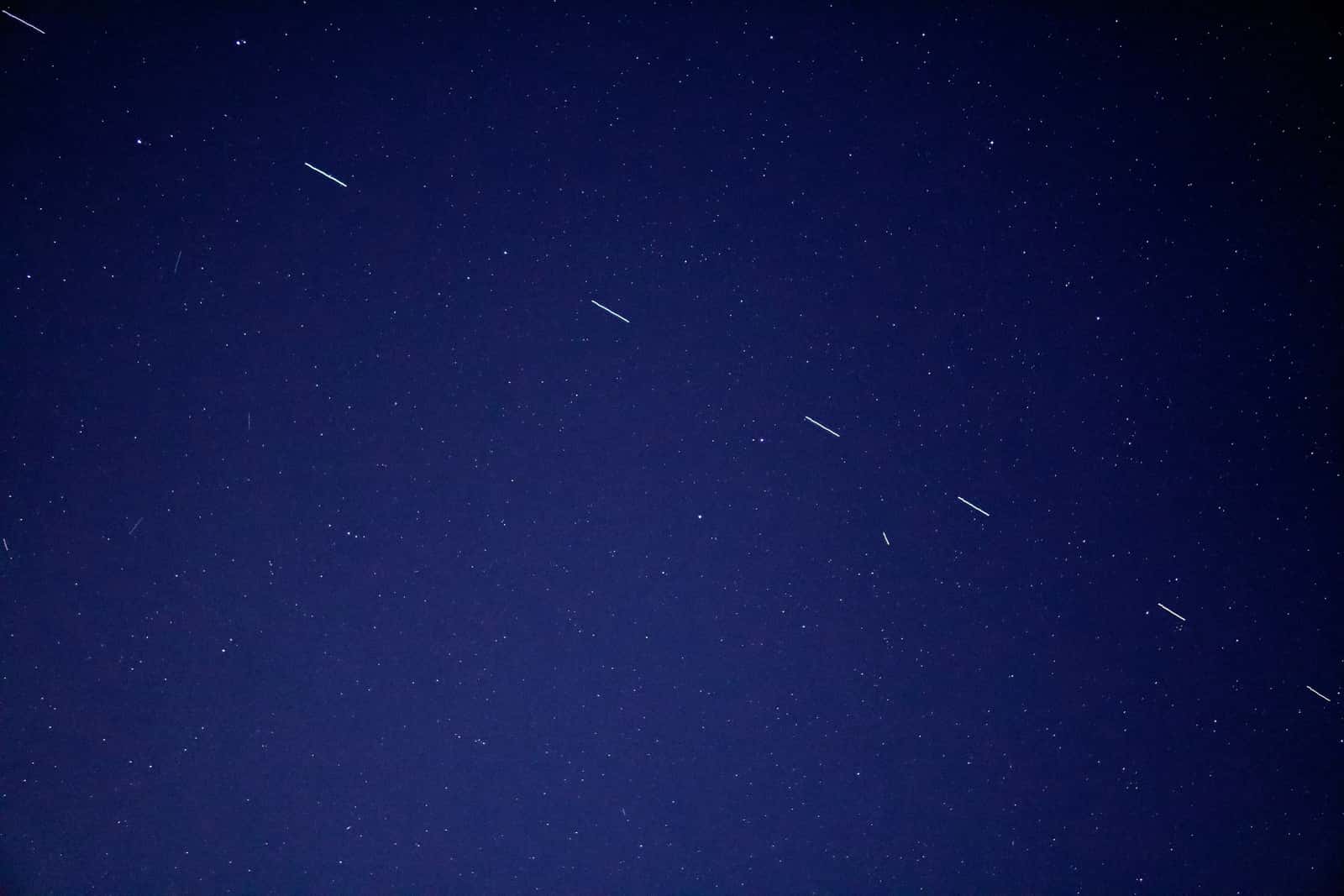
Starlink satellites don’t hang in one spot. They keep moving across the sky, and Starlink says a dish in the United States has tens of satellites in view at a time. The dish talks to one, then hands over to the next. Starlink also says the dish keeps learning where the blockages are and picks the most stable link it can.
So a blocked patch doesn’t mean a blocked connection. Starlink puts it plainly: “Obstructions cause brief service interruptions when all available satellites are obstructed.” The more of the sky that’s blocked, and the higher it reaches, the more often that happens. Starlink says it measures uptime 10 times a second from every dish and reports any outage of 100 ms or more in the app, so even very short gaps show up there. You don’t notice most of them while reading a web page. You do notice them on a video call that freezes or a game that lags.
What Starlink’s 2025 beam-switching update changed
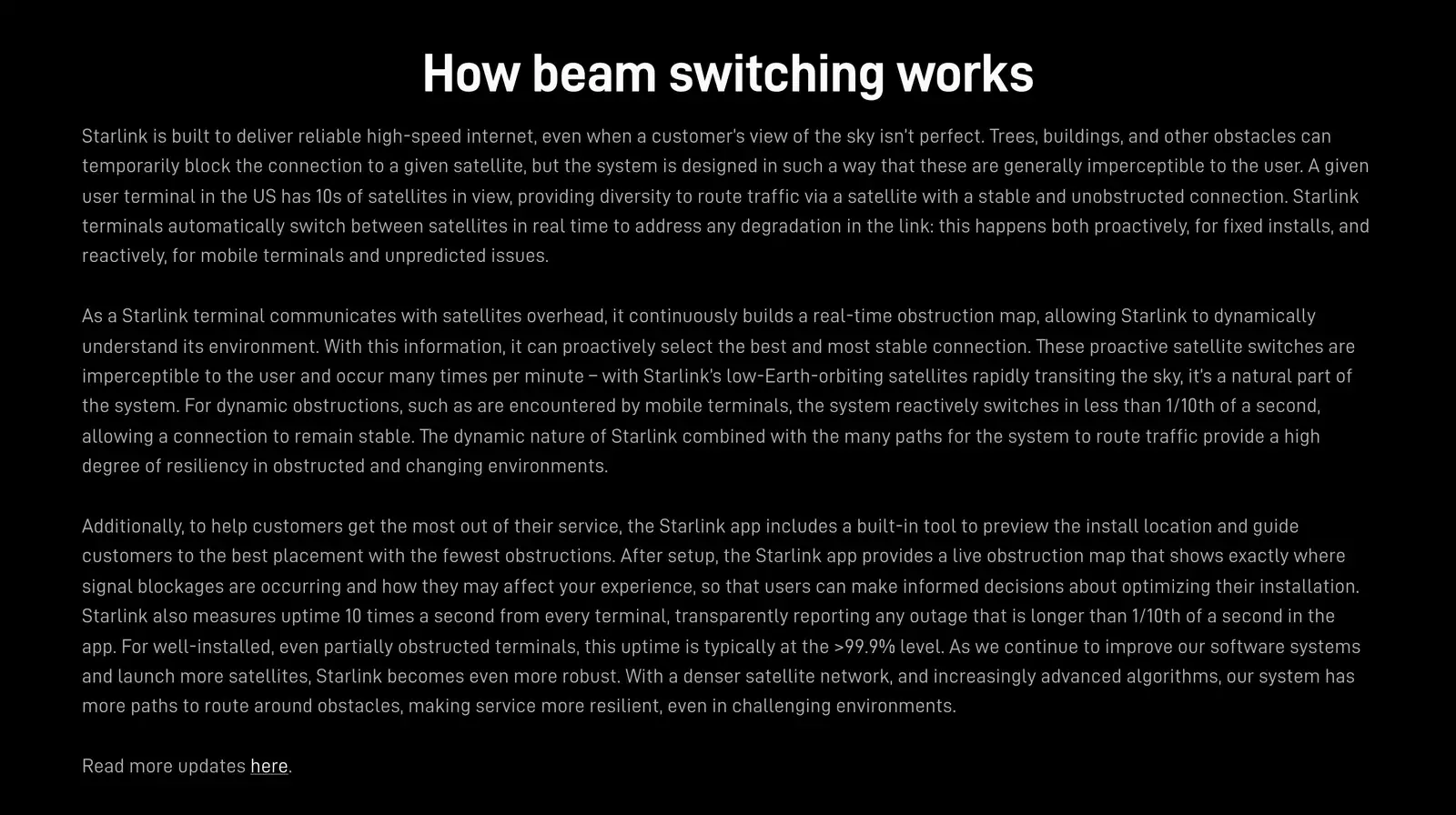
On Jul 30, 2025, Starlink published an update on how its dishes switch between satellites. Three points matter if you’re still deciding:
- The app has a built-in tool to preview the install location and guide you to the spot with the fewest obstructions. That’s the check you can run before you order.
- After setup, the app shows a live obstruction map of where blockages are and how they may affect you.
- Starlink says that for well-installed dishes, even partially obstructed ones, uptime is typically above 99.9 percent.
Some headlines read this as “trees don’t matter anymore.” That’s not what Starlink’s help articles say. They still say “An obstruction that stays in the field of view can still cause intermittent outages, dropped packets, and lower speeds.” The update helps a dish with a little blocked sky. It can’t see through a canopy.
Short switches are normal
Starlink says switches around trees and buildings are generally imperceptible, and not to move the dish for that alone. Move it when the app keeps saying “Obstructed” or your calls keep dropping.
Don’t have Starlink yet? Check in this order
You can answer “will it work here?” in about half an hour without buying anything. Each step tells you whether the next one is worth doing.
Step 1: Take the 2-minute fit check
Answer eight questions about your spot, your trees and your home rules. It tells you whether it’s worth testing further, and never asks for an address. Start the fit check.
Step 2: Measure the tallest thing near the spot
Stand where the dish would go, hold your fist at arm’s length and stack fists from the horizon to the top of the tallest tree, roof or ridge. Under 2 fists is out of the way; over 3.5 fists is inside the dish’s view. The sky angle calculator does the math from heights and distances.
Step 3: Scan that exact spot in the Starlink app
The app’s obstruction tool uses your phone at the exact spot and height. It’s the real test, and you can do it before you order. How to scan.
Step 4: Read the result for what it is
A small blocked patch low in the sky is usually fine. Big patches high up, on several sides, mean dropouts. How much is too much.
Step 5: Plan a higher or clearer spot if you need one
A roof peak, a wall high under the eave or a pole can lift the dish over what blocks it. Compare mounts.
Find your situation
Trees around the house
One branch, tall pines, summer leaves: trim, raise or move?
ReadWhich way the dish faces
The 110° view, aiming with the app, balconies and walls.
ReadWindow, attic or porch
Why the home dish has to go outside, and what to do instead.
ReadValley, hillside or mountains
Ridges work like trees that never drop their leaves.
ReadAlready have Starlink and it says “Obstructed”?
You need the owner’s guide: how to read the map, how long it takes to learn your sky, and Starlink’s three fixes. Fix an obstructed dish.
Don’t order yet if…
- every spot you could mount safely has trees, a roof or a ridge rising high into the sky on more than one side
- you scanned in winter under leafy trees and haven’t allowed for summer leaves
- the only clear spot is one you can’t reach safely or aren’t allowed to use
- you rely on all-day video calls or online gaming and the best spot still shows big blocked patches
Questions this page answers
What counts as an obstruction for Starlink?
Anything solid between the dish and the part of the sky it uses: trees and branches, the roof or a wall of your own house, a chimney, a neighbor’s house, a pole or a hill. Starlink’s own example: a single branch, a pole or a roof can be enough to interrupt service. Clouds and rain are weather, not obstructions.
Do clouds, rain or snowfall count as obstructions?
Clouds don’t. Starlink says a downpour, heavy snow or hail can cut the link for a few moments, but that’s weather, and it passes. Snow piled on the dish is different: it can block the view until it melts.
Does Starlink still need a clear view after its 2025 update?
Yes. The Jul 30, 2025 update made the dish better at steering around blocked sky, but Starlink still says “An obstruction that stays in the field of view can still cause intermittent outages, dropped packets, and lower speeds.”
Can I check for obstructions before I buy Starlink?
Yes. Download the Starlink app and use its obstruction tool at the spot and height where the dish would go. Step-by-step guide.
Does it matter which side of the house the trees are on?
Starlink doesn’t say that any compass direction matters more for today’s home dishes. You aim the dish by hand with the app’s alignment tool, so check the sky all the way around. Which way the dish faces.
What we checked this page against
- Standard 4 X spec sheet, PDF · seen Nov 3, 2026
- Business install: choosing a location (support article) · seen Nov 3, 2026
- Aligning the dish (support article) · seen Nov 3, 2026
- Measuring the sky with your hand (EarthSky) · seen Nov 3, 2026
- Checking a spot before you install (support article) · seen Nov 3, 2026
- Reading the obstruction map (support article) · seen Nov 3, 2026
- What obstructions do to service (support article) · seen Nov 3, 2026
- Beam switching around obstructions (Starlink update, Jul 30, 2025) · seen Nov 3, 2026
- Where to install (support article) · seen Nov 3, 2026
- Fixing obstructions (support article) · seen Nov 3, 2026
- Standard 4 X setup guide, PDF · seen Nov 3, 2026
- Weather and service quality (support article) · seen Nov 3, 2026
Each number on this page traces back to one of these entries; our fact rules explain how. If a reading has drifted, the corrections log shows how it gets fixed.