Window, indoors, attic
Will Starlink work through a window, indoors or in the attic?
It’s one of the most-searched Starlink questions, and for a home dish the answer is no. Here’s why, place by place, and the easiest way to get the dish outside while keeping the cable tidy.
$100First Starlink? The pre-order checklist and our referral linkNo, not as a home connection you can rely on. Glass, walls, roofs and porch covers block most of the sky the dish needs, so it has to go outside with open sky above it.
Starlink says the dish has to see open sky to stay connected as satellites cross overhead, and it even tells owners not to put a protective cover on the dish, because “a cover degrades Starlink's performance, including its ability to melt snow.” If a thin cover hurts, a roof does far more. The fix is simple: the dish outside, the cable in.
Why the dish can’t work from inside
Starlink’s home dishes look at a wide cone of sky: a 110° field of view, pointed up and tilted toward the part of the sky the app picks. Satellites move through that whole cone. Starlink’s Standard 4 X setup guide spells out what happens when something solid is in it: anything solid in the dish’s view (a branch, a pole or a roof) will interrupt service.
- 1Attic: the roof is in the way.
- 2Behind a window: wall, roof and glass in the way; only a low slice of sky gets in.
- 3Under a porch roof: the sky overhead is covered.
- 4Outside, above everything: the whole cone of sky is open.
Starlink’s Terms also make the customer responsible for installing the dish where it has a clear field of view of the sky. If it can’t see the sky, that’s on the install, not on Starlink.
Through a window
Two things work against a dish behind a window.
- The shape of the opening. A window is a hole in a wall. From a dish set behind it, the glass shows a slice of sky low on one side; the wall, the ceiling and the roof above block everything else, including the sky overhead where the dish does most of its work. Starlink’s own rule: “Do not place the dish beside a wall or other structure that blocks the sky.”
- The glass itself. Starlink doesn’t publish any figure for signal through glass. Many newer energy-efficient (low-E) windows carry a thin metallic coating, and metal screens are metal mesh; both can block radio signals more than plain glass (general background, not a Starlink figure).
Could it connect for a few minutes in a big picture window? Perhaps, and that’s where the videos come from. But a few minutes online isn’t a home connection, and Starlink publishes nothing that supports using a home dish behind glass.
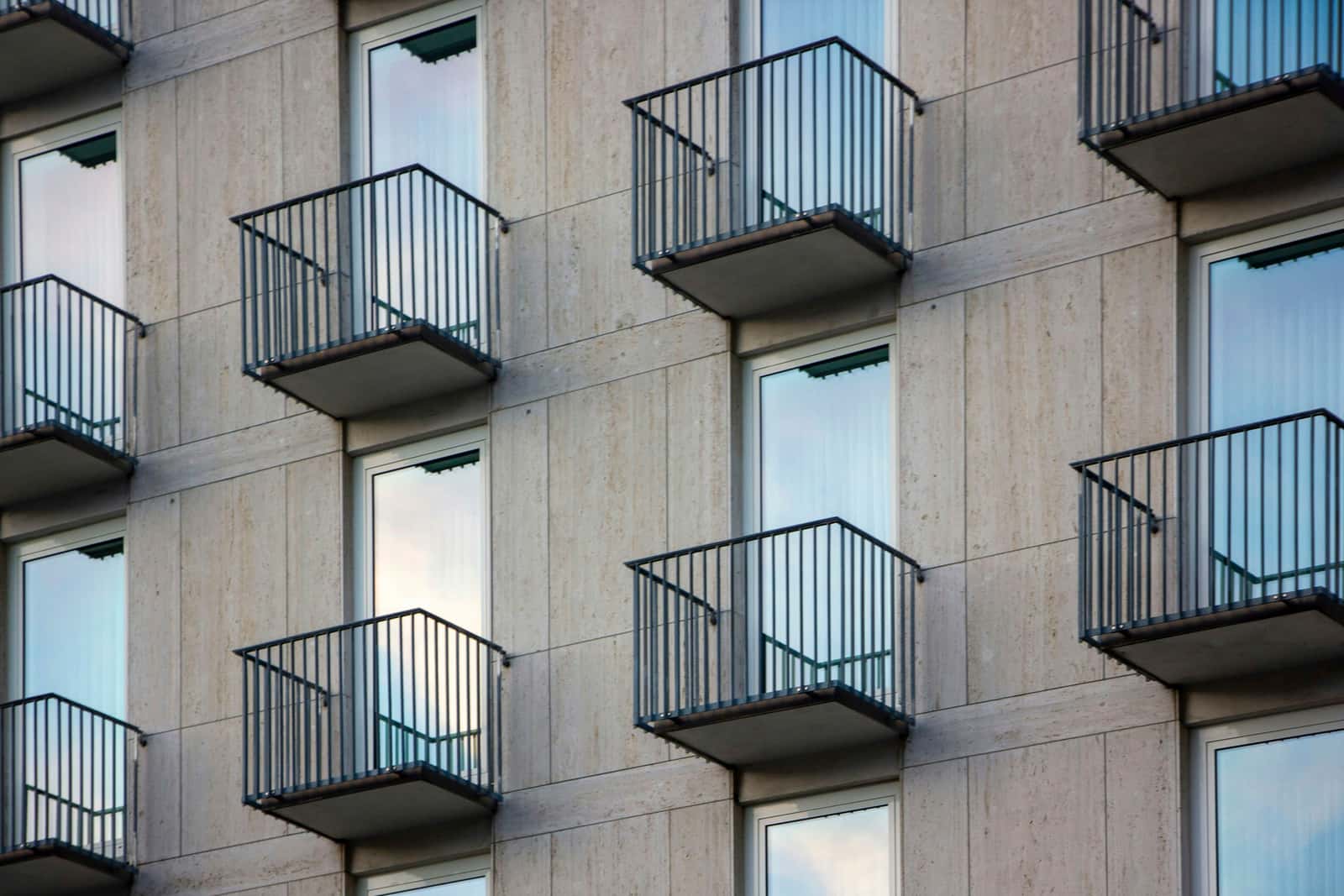
In the attic or under a skylight
An attic puts the whole roof between the dish and the sky. Starlink’s own short list of things that interrupt service names a roof: a single branch, a pole or a roof can be enough to interrupt service. Many attics add a foil radiant barrier under the roof deck, and some houses have a metal roof on top. Either one makes it worse.
A skylight sounds like a loophole, but our reading is that it isn’t: it’s a small window at the end of a shaft. The dish would see a narrow patch overhead through glass, with nothing toward the rest of its cone. Put the dish on the roof above the skylight instead; the roof is where it would have the most sky anyway. Roof and wall mounts.
Under a porch, carport or patio cover
This one catches people who think “outside” is enough. Starlink’s placement rules are direct: “Do not install under a covered outdoor area.” A porch roof, a carport, an awning or a screened-in porch covers exactly the part of the sky the dish uses most. A pergola with open slats still blocks a lot of it; treat it like a cover.
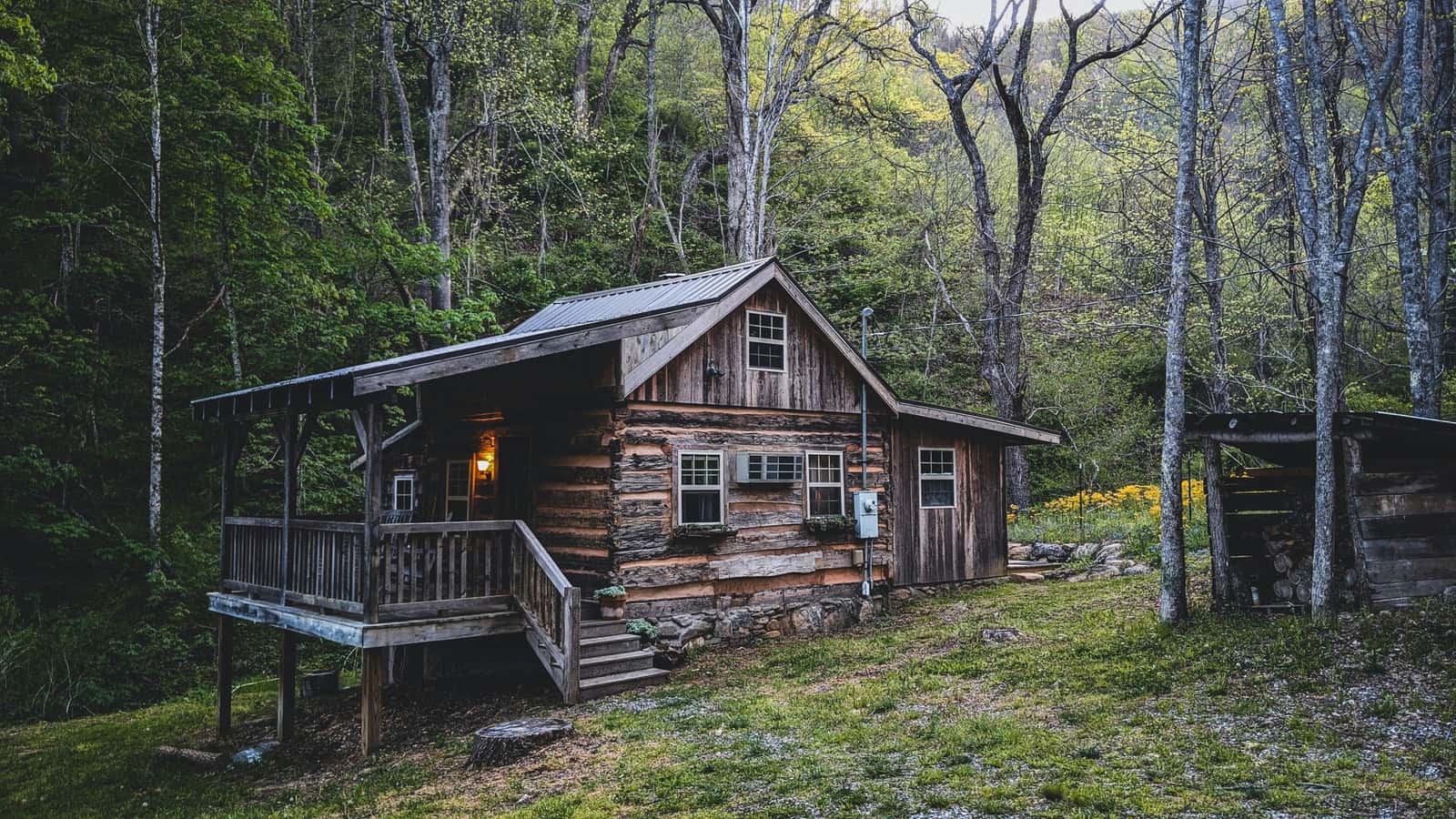
The usual fix is to step the dish out from under the cover: on a short pole beside the porch, on the main roof above it, or out in the yard.
Under (or through) a metal roof
Metal blocks the signal, so a dish under a metal roof, a pole barn roof or a metal carport won’t work. Putting the dish on top of a metal roof is a different matter and works well with the right mount. Starlink says “Third-party metal mounts that wrap around the terminal’s base, or placing the terminal directly on metal, may interfere with GPS and are not supported.” Starlink on a metal roof.
About those window videos
Most clips of Starlink working in a window or a car show the Starlink Mini, a smaller portable kit covered elsewhere. This site is about the home dish on a house, which needs to be outside.
What to do instead: dish outside, cable inside
Almost every home has an outside spot that works better than any window. These steps get you there.
Step 1: Find the nearest outside spot with open sky
Look above the roofline first: a gable wall high under the eave, the roof itself, a short pole off the side of the house, or an open patch of yard. Which mount fits which spot.
Step 2: Scan it with the Starlink app
Hold your phone where the dish would sit, at that height, and run the app’s sky scan. How to scan.
Step 3: Plan how the cable gets inside
The dish goes outside; only the cable has to come in. Starlink says “the cable routing kit and masonry routing kit provide the hardware necessary to pass the Starlink cable through most walls” Getting the cable into the house.
Step 4: Renting or in an apartment? Check the no-drill options
Weighted bases, ridge mounts and balcony setups avoid holes. No-drill installs and apartment and condo rules.
Step 5: Run the 2-minute fit check
It puts your spot, trees, roof and home rules together and tells you what to check next. Start the fit check.
If you were hoping for a window because you rent, the rules may be on your side for some outdoor spaces. See apartments and condos before you give up. And if you’re not sure which way the dish needs to look, read which way Starlink faces.
Questions this page answers
Will Starlink work through a window?
Not well enough to rely on. A window shows the dish only a slice of sky, low on one side, while the wall and roof above block the rest of its 110° view. Starlink publishes nothing about using the dish behind glass; what it does say is that the dish has to see open sky.
Can I put Starlink inside my house?
No. Starlink says anything solid in the dish’s view (a branch, a pole or a roof) will interrupt service. Inside the house, the roof and walls are in the way of the whole sky.
Can I put Starlink in my attic?
No. The roof deck and shingles sit directly between the dish and the sky, and many attics also have a foil radiant barrier or a metal roof above them. Mount the dish on the roof or the wall outside instead.
Will Starlink work under a metal roof or carport?
No. Metal blocks the signal, and Starlink says “do not install under a covered outdoor area.” On top of a metal roof is fine with the right mount: Starlink on a metal roof.
Can I test the dish indoors before I mount it?
Test it outside instead. Starlink says “the mount that comes with some Starlink kits is designed to support a ground level installation or a quick setup to test your internet connection.” Set it on its kickstand in an open part of the yard and let it connect there.
I’ve seen videos of Starlink working in a window. Why?
Many show a smaller portable kit rather than a home dish, or short tests where a few minutes online looks like success. For a home connection you depend on, plan on the dish outside.
What we checked this page against
- Standard 4 X spec sheet, PDF · seen Nov 3, 2026
- Checking a spot before you install (support article) · seen Nov 3, 2026
- Standard 4 X setup guide (support article) · seen Nov 3, 2026
- Business install: choosing a location (support article) · seen Nov 3, 2026
- Where to install (support article) · seen Nov 3, 2026
- US terms of service · seen Nov 3, 2026
- Snow, rain, wind, lightning and temperature (support article) · seen Nov 3, 2026
- Accessories overview (support article) · seen Nov 3, 2026
- Cable length and indoor routing (support article) · seen Nov 3, 2026
- Third-party mounts (support article) · seen Nov 3, 2026
Each number on this page traces back to one of these entries; our fact rules explain how. If a reading has drifted, the corrections log shows how it gets fixed.