Weather
Does Starlink work in bad weather?
Old satellite TV went out every time a storm rolled in, so it’s a fair worry. Here is what Starlink itself says rain, clouds, heat, cold, wind, lightning and hurricanes do to the connection, and what you can do about each before you mount the dish.
$100First Starlink? The pre-order checklist and our referral linkYes, in almost all weather. Clouds don’t matter, heavy rain, snow or hail can cause brief dropouts, and only extreme storms, lightning and snow piled on the dish cause real outages.
Starlink says it is designed and tested for snow, hail, sleet, heavy rain and extreme heat. The weak points are around the dish, not in the sky: a mount that can’t take the wind, a spot where snow buries it, a power supply that overheats. Starlink also says plainly that it is not designed for hurricanes, tornadoes, earthquakes or other extreme forces of nature.
Weather by weather, in Starlink’s own words
Each row sits in the column that matches how Starlink describes it. No speed numbers: Starlink doesn’t publish any per inch of rain or per degree of heat, and the figures you see on other sites are unsourced.
| Condition | What Starlink says | Effect |
|---|---|---|
| Clouds | Not named as a cause of problems (our reading) | No effect named |
| Light ice, icicles | light ice or icicles generally don’t hurt performance | No effect named |
| Heavy rain, snow or hail | a downpour, heavy snow or hail can cut the link for a few moments | Brief dropouts |
| Extreme rain or wind | in extreme cases heavy rain or wind may slow it or cause a rare outage | Slower, or a rare outage |
| Extreme heat or cold | in extreme heat or cold Starlink may perform slightly lower | Slower, or a rare outage |
| Snow piled over the dish | heavy snow fully covering the dish may cause intermittent or temporary loss of service | Outage or damage risk |
| Lightning | unplug from the wall and disconnect the Starlink cable during a lightning storm | Outage or damage risk |
| Hurricane, tornado | Starlink is not designed for hurricanes, tornadoes, earthquakes or other extreme forces of nature | Outage or damage risk |
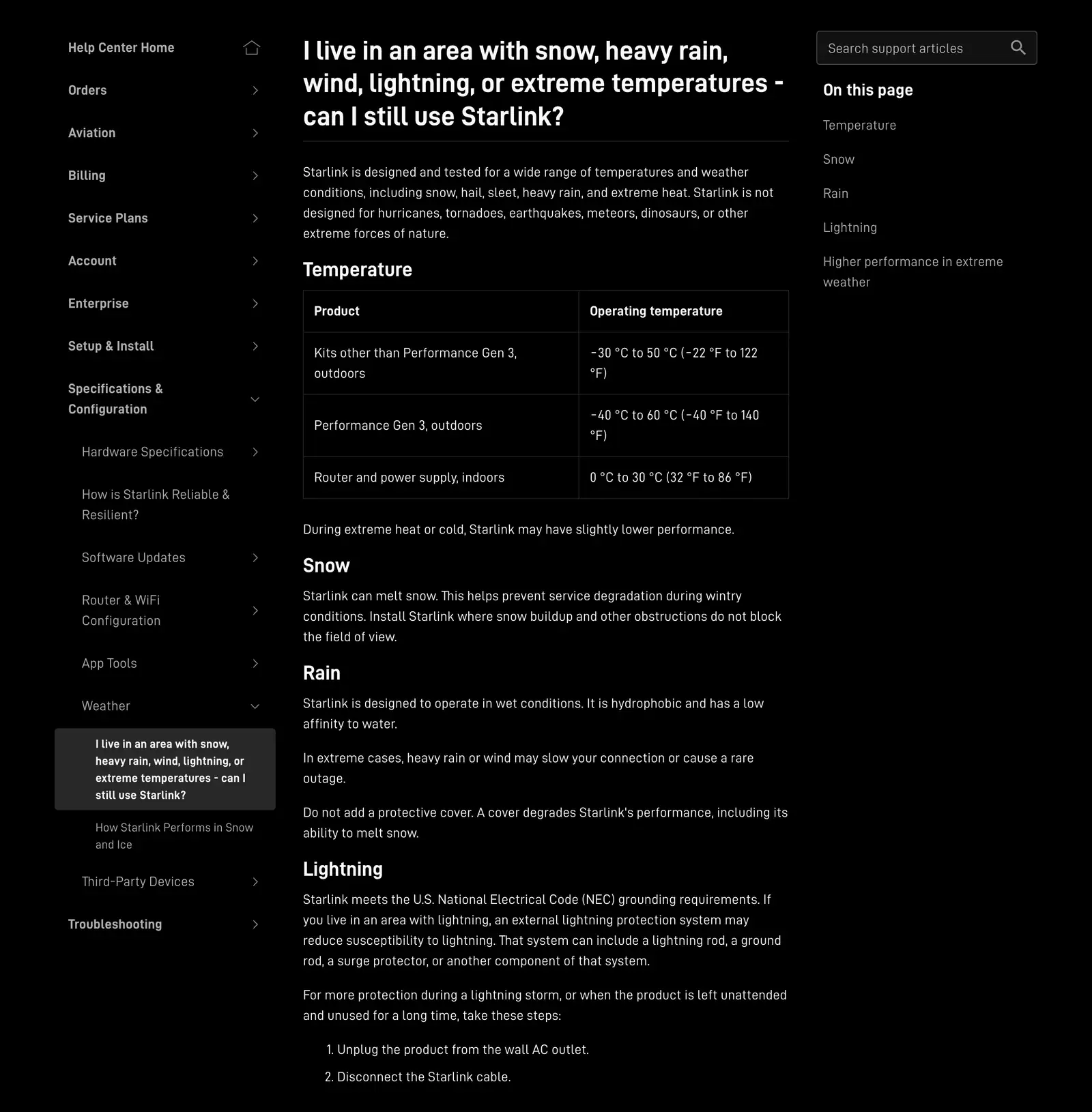
Rain, clouds and thunderstorms
Rain is the one people worry about most, and the one that matters least. Starlink says its latest-generation kits provide connectivity during medium-to-heavy rainfall, and that a downpour, heavy snow or hail can cut the link for a few moments. In practice that means a stall of a few seconds in the worst of a downpour, not an evening without internet.
- Clouds: Starlink doesn’t list ordinary cloud cover as a cause of problems (our reading of its weather articles). An overcast week in Seattle is not a reason to skip Starlink.
- Gulf Coast and Florida downpours: Starlink says it is built for wet conditions; in extreme cases heavy rain or wind may slow it or cause a rare outage.
- Water getting in: the dish is sealed; the weak point is a connector that isn’t pushed home. Starlink says to seat the Starlink cable fully before exposing the dish to weather, to get its rated water resistance.
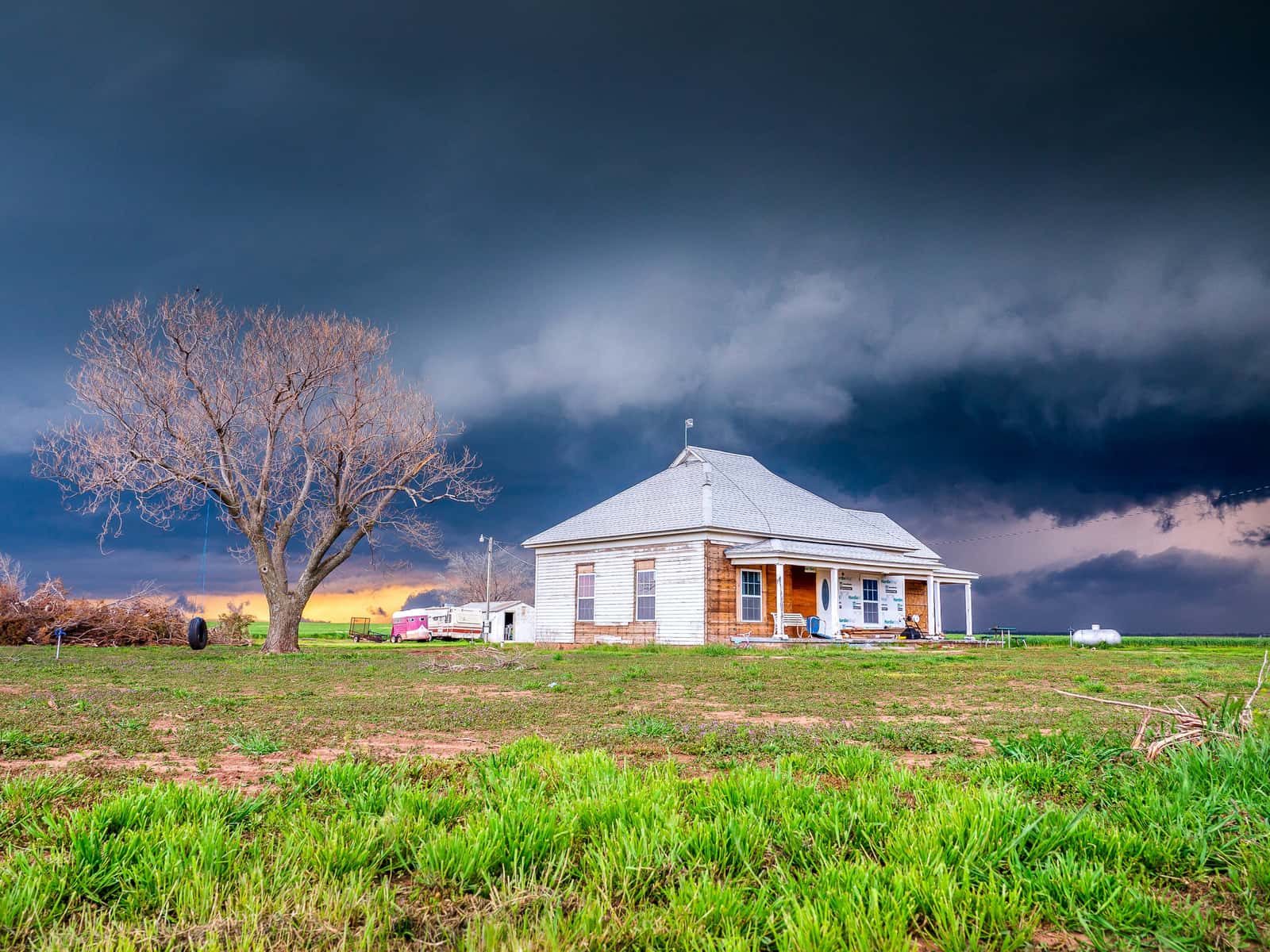
Wind: the dish’s rating vs the mount’s
Starlink rates its dishes for wind, but a dish is only as steady as what holds it. Here are the published ratings side by side:
- The dish: Starlink’s spec sheets say the Standard 4 X is operational in winds of 96 kph+ (60 mph+), the same figure as the Standard 4. The V5, mounted, is rated operational in 265 kph (165 mph) winds.
- The no-drill mount: the Ridgeline Mount is rated up to 50 mph, below the dish’s own rating. On the Great Plains or a coastal ridge, that matters. No-drill options.
- Other mounts: among Starlink’s home mounts we found a published wind rating only for the Ridgeline. Starlink doesn’t publish a separate survival rating for the dishes either.
Our rule of thumb for windy spots: screw the mount into solid structure (rafters, a beam, a set pole), keep the dish as low as the sky view allows, and tether it with a short steel cable as a backup. A tall pole sways; a short one with a deep footing doesn’t. Pole footing and bracing.
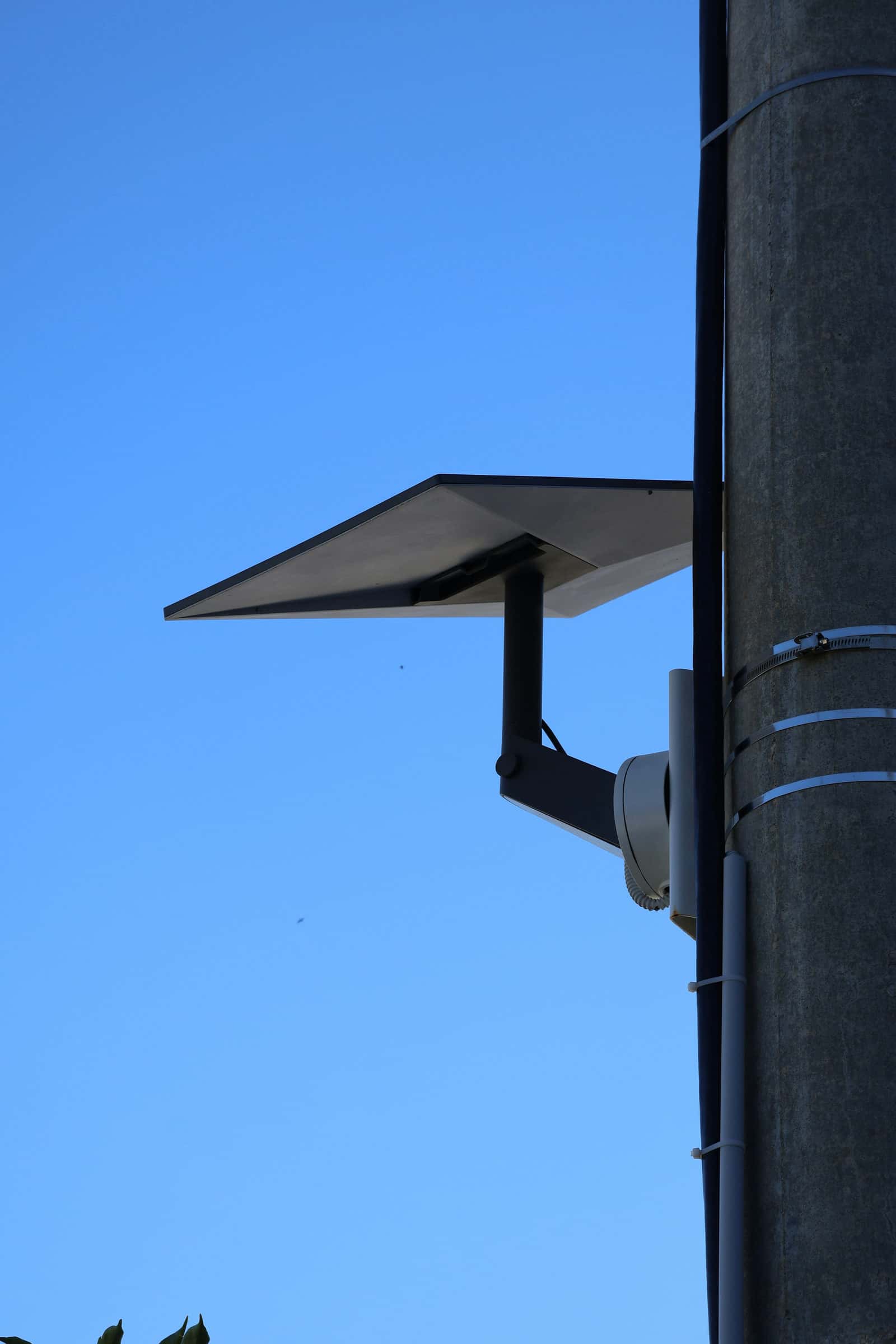
Heat: desert summers and hot attics
Starlink gives the outdoor operating range as −22 °F to 122 °F. The hottest desert afternoons in Arizona, Nevada and inland California come close to the top of that range. What Starlink says about heat:
- In extreme heat or cold Starlink may perform slightly lower.
- A help article says that above 35 °C (95 °F) the business Performance (Gen 2) dish typically downloads 3 times faster than Standard 4 X. Our reading: the Standard 4 X slows in strong heat. Starlink gives no figure for how much.
- The app’s “Starlink Overheated” alert means the dish shut down from high temperature and reconnects after cooling.
The indoor gear is the easier thing to overheat. Starlink gives the router and power supply an indoor range of 32 °F to 86 °F, and says to mount the power supply where it can cool; it shuts off (dropping the connection) if it overheats. So: not in the attic, not in a closed cabinet, not in a Texas garage in August.
Cold and ice
The low end of Starlink’s outdoor range is −22 °F (the high end is 122 °F). That covers nearly every winter night in the lower 48; interior Alaska and the northern Plains can drop below it on the coldest nights. On ice, Starlink says light ice or icicles generally don’t hurt performance; clear snow or ice gently, never with picks, chisels or scrapers. Snow is the bigger winter question, and it gets its own page: Starlink in snow.
Lightning and power surges
Starlink says it meets US National Electrical Code (NEC) grounding requirements; in lightning areas an external lightning protection system may reduce susceptibility. During a lightning storm or a long absence, Starlink’s steps are:
- Unplug the product from the wall AC outlet.
- Disconnect the Starlink cable.
Starlink publishes no grounding procedure for homeowners. For a roof or pole install, ask a licensed electrician what your local code requires. Before storm season, Starlink’s checklist is short:
- Make sure all of your cables are fully plugged in.
- Ensure your Starlink is securely mounted.
- (Optional) Set up a surge protector to safeguard against any unexpected power surges.
Power outages bring their own glitch: Starlink says the router factory-resets after 6 power cycles in a row, which can happen in power outages. If your area flickers a lot, a small battery backup (UPS) in front of the power supply keeps it steady (our suggestion).
Hurricanes and tornadoes
Starlink is direct: it is not designed for hurricanes, tornadoes, earthquakes or other extreme forces of nature. When hurricane-force winds are forecast for your area, its advice is:
- If it is safe to do so, we recommend to bring your Starlink and cables indoors.
- If you cannot bring your cable inside, protect the exposed ends from water. If the cable does get wet, ensure the cable fully dries out before reconnecting your Starlink.
On the Gulf and Atlantic coasts, that shapes the install: a mount you can take down quickly (a pipe adapter on a pole, a wall mount within ladder reach) beats a high roof mount you can’t reach in a hurry. Never climb a roof once the wind is up.
Storm safety
- Don’t work on the dish, a ladder or a roof when you can hear thunder or when wind is rising.
- Take the dish down only if it’s safe; a dish can be replaced, you can’t.
- After a storm, look before you touch: downed power lines near the dish or pole mean call the utility, not a ladder.
Make your install storm-ready: 6 steps
Step 1: Pick a mount rated for your wind
Check the mount, not just the dish. The Ridgeline Mount is rated up to 50 mph; on an exposed ridge or open plain, a screwed-down mount or a short, well-set pole is the safer choice.Step 2: Fix it to solid structure
Screw into rafters, a beam or a set pole, never into siding or roof decking alone. Add a steel tether as a backup (our rule of thumb).Step 3: Seat every connector
Starlink says to seat the Starlink cable fully before exposing the dish to weather, to get its rated water resistance.Step 4: Give the power supply air
Mount it indoors where air moves. Starlink says it shuts off, dropping the connection, if it overheats.Step 5: Add surge protection
Plug into a surge protector (Starlink lists it as an optional precaution), and consider a small UPS if your power flickers.Step 6: Know your storm drill
Lightning: unplug the power supply and disconnect the Starlink cable. Hurricane: bring the dish and cables in if it’s safe, and cap the cable ends.
Three things not to do
- Don’t cover it. Starlink says don’t add a protective cover: it degrades performance, including snow melting.
- Don’t paint or coat it. Starlink says don’t paint the dish or cover it with cloth; Rain-X/NeverWet-type treatments are not recommended.
- Don’t scrub it. If it gets grimy, Starlink says to clean gently with a microfiber cloth and glass cleaner.
Don’t order yet if…
- you live on a hurricane coast and couldn’t take the dish down safely before a storm
- the only clear spot is a high, exposed mount you can’t fix to solid structure or tether
- you rely on a connection that never drops (home medical equipment, on-call work) and have no backup internet or power
- the house needs a connection for a few months or one visit, not year-round
Questions this page answers
Does Starlink work in the rain?
Yes. Starlink says it is built for wet conditions and that its latest kits provide connectivity during medium-to-heavy rainfall. Heavier rain can drop the link for a moment, and in extreme cases heavy rain may slow it or cause a rare outage.
Does Starlink work on cloudy days?
Yes. Starlink’s weather articles talk about rain, snow and hail, not cloud cover, and ordinary clouds aren’t something it warns about (our reading). Dense storm cells are another matter: that’s heavy rain, and it can cause brief dropouts.
Does Starlink work during thunderstorms?
Usually, with possible brief dropouts in the heaviest rain. Lightning is the bigger risk: Starlink says to unplug the product from the wall outlet and disconnect the Starlink cable during a lightning storm. Lightning and surges.
What is Starlink’s wind rating?
Starlink’s spec sheets rate the Standard 4 X and Standard 4 as operational in winds of 60 mph+, and the V5, mounted, as operational in 165 mph winds. The no-drill Ridgeline Mount is rated up to 50 mph. The mount and what it’s fixed to matter as much as the dish.
Does Starlink work in extreme heat?
Starlink gives an outdoor operating range of −22 °F to 122 °F, and says it may perform slightly lower in extreme heat or cold. If the dish overheats, the app shows “Starlink Overheated” and it reconnects after cooling. Keep the router and power supply indoors, where Starlink’s range is 32 °F to 86 °F.
Should I take Starlink down before a hurricane?
Starlink says it is not designed for hurricanes, tornadoes or other extreme forces of nature, and that in the path of hurricane-force winds you should bring the dish and cables indoors if it is safe to do so, protecting any exposed cable ends from water.
Can I put a cover over the dish to protect it?
No. Starlink says not to add a protective cover, because it degrades performance, including snow melting. It also says not to paint the dish or cover it with cloth, and doesn’t recommend water-repellent treatments.
What we checked this page against
- Snow, rain, wind, lightning and temperature (support article) · seen Nov 3, 2026
- Reliability and resilience (support article) · seen Nov 3, 2026
- Weather and service quality (support article) · seen Nov 3, 2026
- Snow and ice performance (support article) · seen Nov 3, 2026
- Performance Gen 2 vs Standard 4 X (support article) · seen Nov 3, 2026
- App alert list (support article) · seen Nov 3, 2026
- Power supply placement and heat (support article) · seen Nov 3, 2026
- Standard 4 X spec sheet, PDF · seen Nov 3, 2026
- Standard 4 spec sheet, PDF · seen Nov 3, 2026
- V5 spec sheet with Router Mini, PDF · seen Nov 3, 2026
- Starlink shop, public accessory prices · seen Nov 3, 2026
- Water resistance (support article) · seen Nov 3, 2026
- Cleaning the dish (support article) · seen Nov 3, 2026
- Saffir-Simpson Hurricane Wind Scale (NOAA National Hurricane Center)
Each number on this page traces back to one of these entries; our fact rules explain how. If a reading has drifted, the corrections log shows how it gets fixed.